
Happy Hour Desktop
Happy Hour helps you find great restaurants in your area and spend less on every meal.
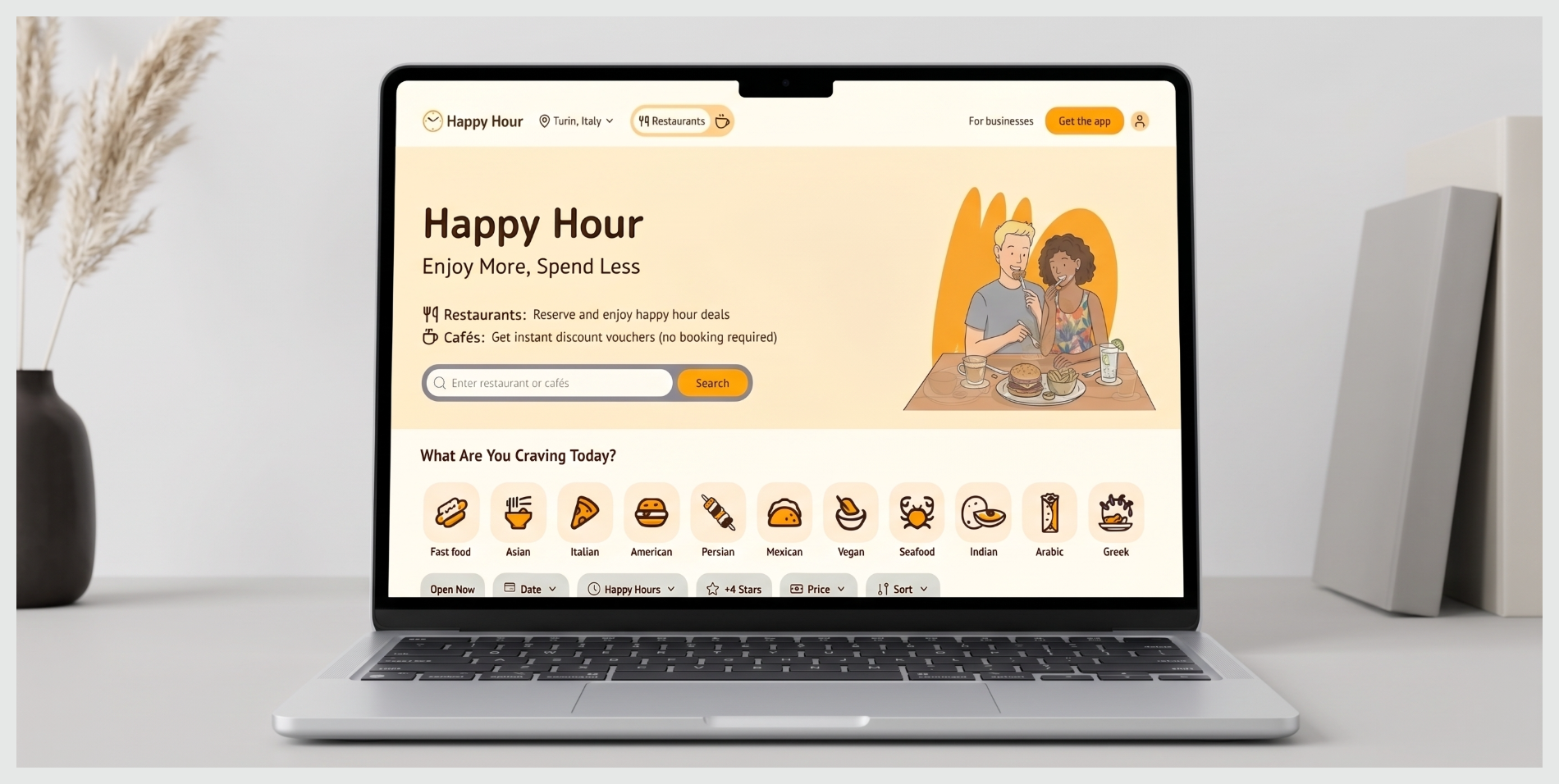
Happy Hour
What is Happy Hour?
Happy Hour is an online platform for the European market that makes dining out more affordable. Users can explore nearby restaurants, compare discounted menus and special offers, and reserve a table to enjoy their chosen deal. The platform also features cafés, where users can claim discount vouchers valid for a limited time.
This case study focuses on the desktop experience, following the user’s journey from finding a restaurant offer to completing a table reservation.
Happy Hour is designed for budget-conscious diners, including students, job seekers, and anyone who wants to enjoy a restaurant meal at a lower price.
Problem Statement
- Help restaurants attract more diners during quieter hours by offering discounted menus and special deals.
- Let users browse restaurants, view current prices, photos, reviews, and offers, then choose where to eat.
- Make it easy to find a restaurant, select a date and time, and reserve a table without unnecessary steps.
- Let users review their booking details and choose how to receive the final reservation confirmation.
- Create a smooth desktop experience from discovering an offer to completing a reservation.
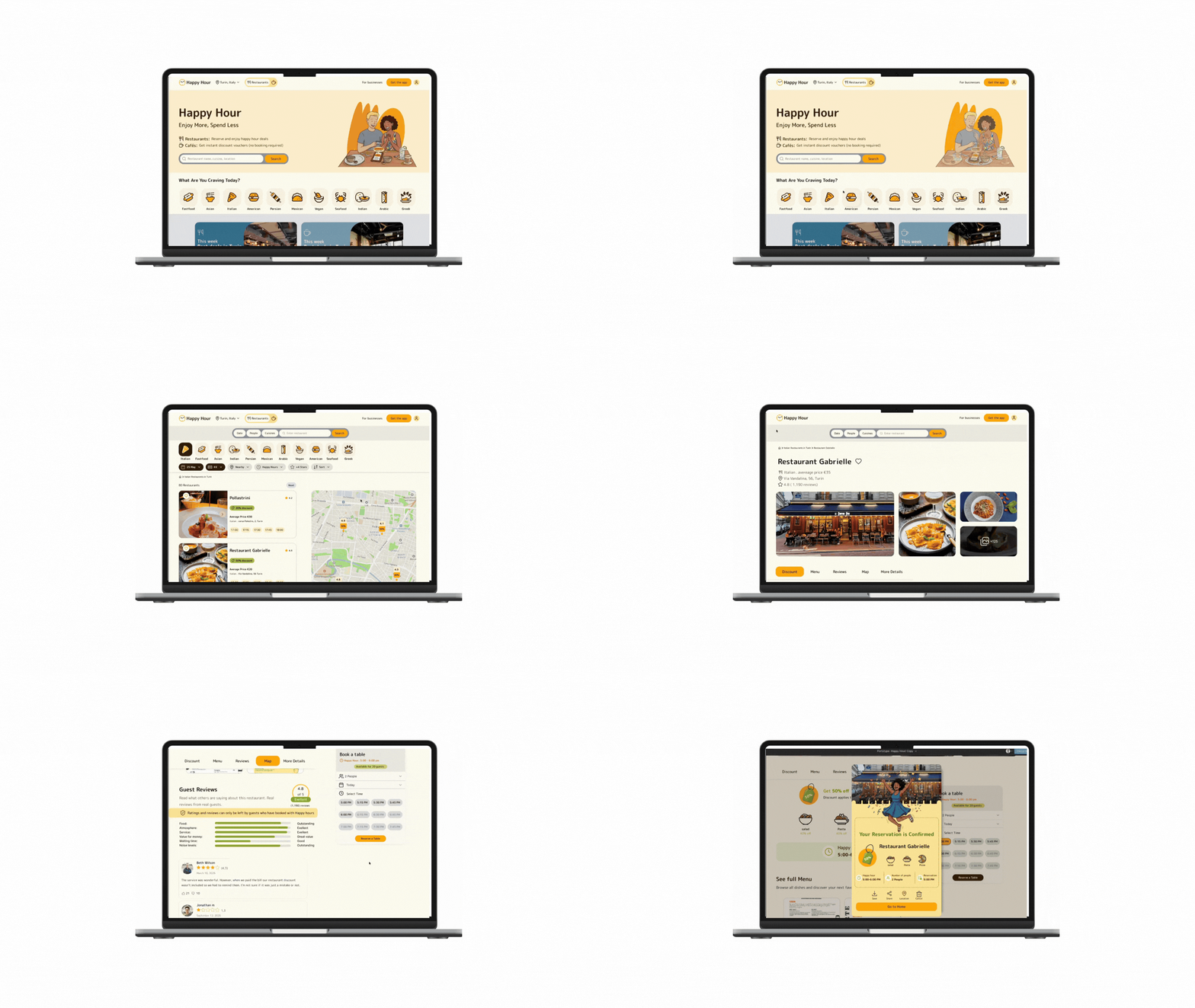
Design Process
We used the Double Diamond process to guide our research and design decisions.
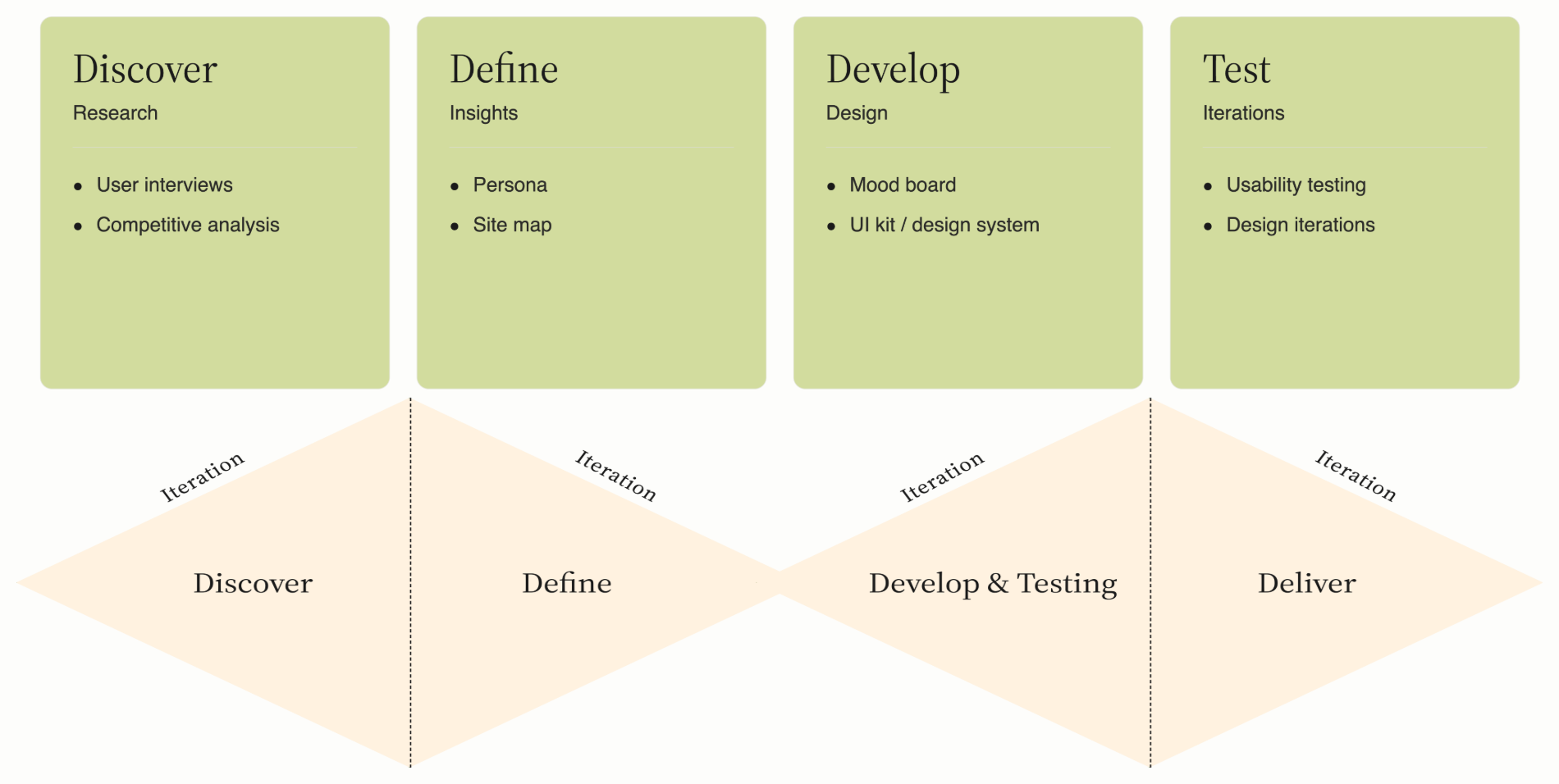
Discover
We began by looking at how people search for restaurant deals, compare their options, and reserve a table. This helped us identify where the booking process could become confusing or difficult.
Interview
We used user interviews to explore what people need when searching for restaurant offers and making a reservation.
- Participants: 14 users interviewed.
- Analysis: Responses grouped in an affinity diagram to identify common pain points and needs.
Affinity Diagram
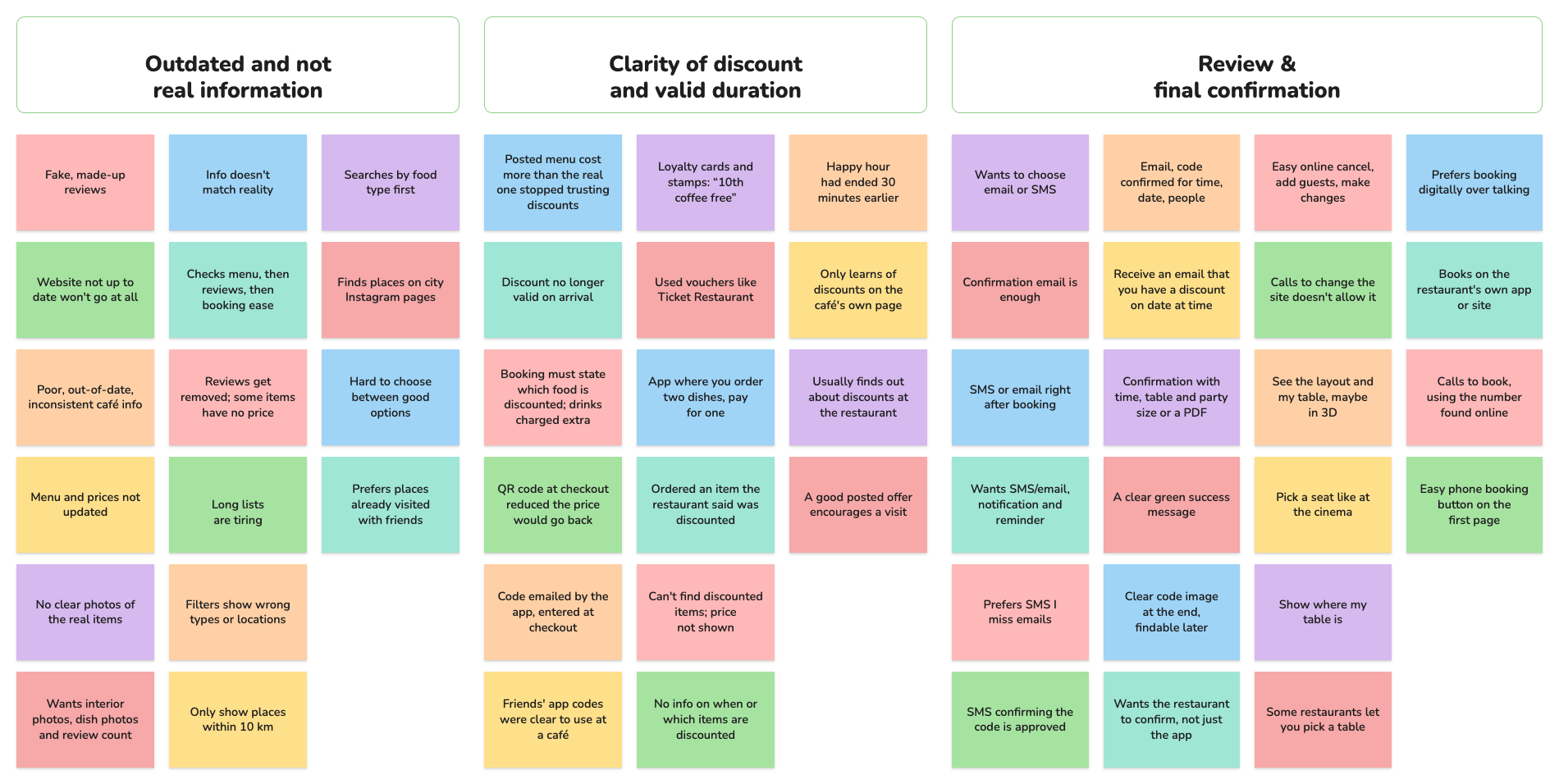
User challenges
Outdated restaurant details
Menus, prices, photos, and available offers do not always match what users find at the restaurant. This makes it harder to choose where to eat.
Unclear offer conditions
Users may not know which menu items are included, when a discount applies, or whether they need to book a specific time to use it.
Uncertain reservation status
After reserving a table, users need a clear confirmation with the restaurant name, date, time, party size, and offer details somewhere they can easily find it again.
Competitive Analysis
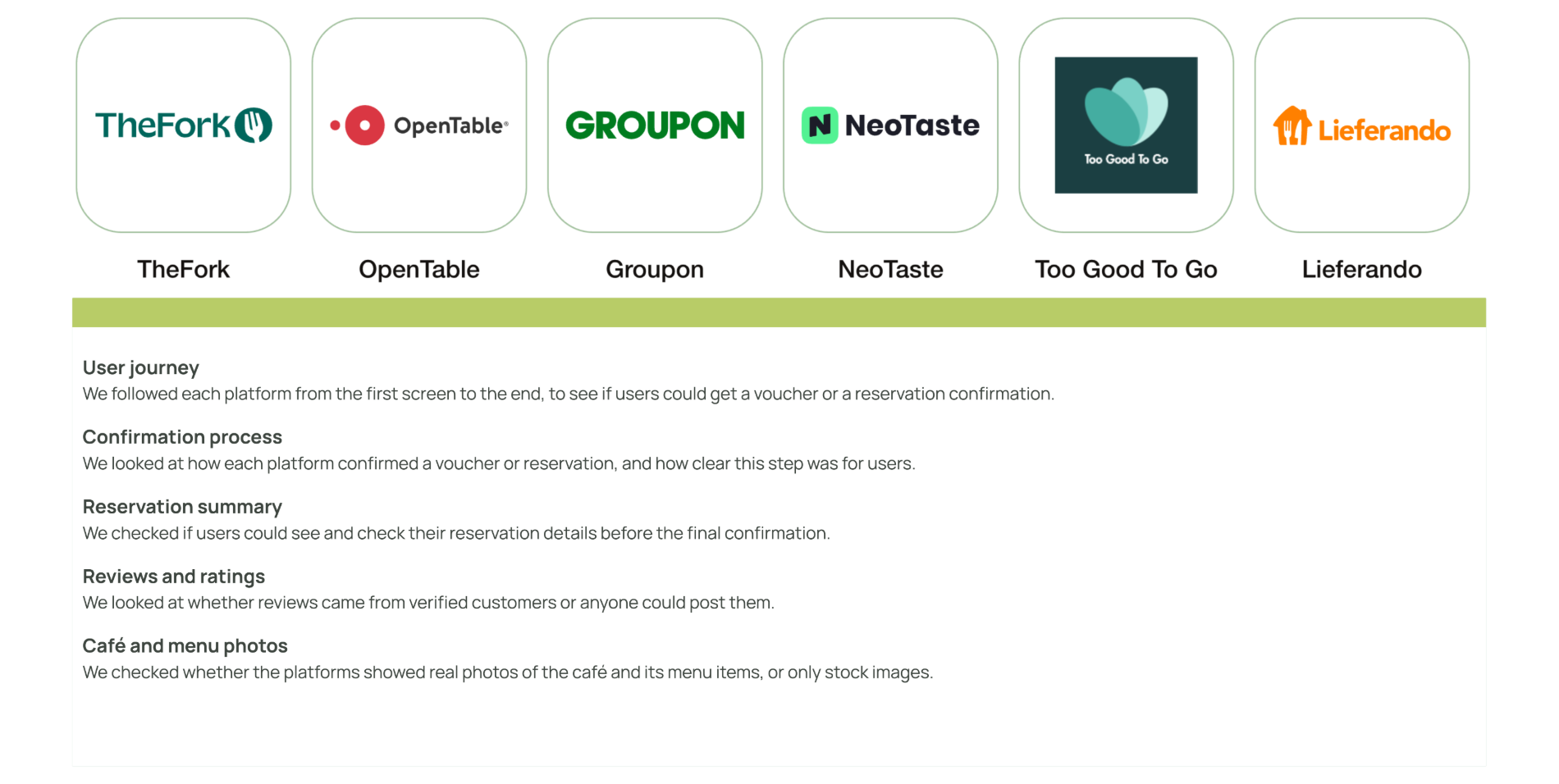
To better understanding, we analyzed platforms such as TheFork, OpenTable, Too Good To Go, GROUPON, NeoTaste and Lieferando to identify weaknesses, strengths, and opportunities for improvement.
Define
Based on all our research, we defined who the persona is and identified his key needs and Pain Points.
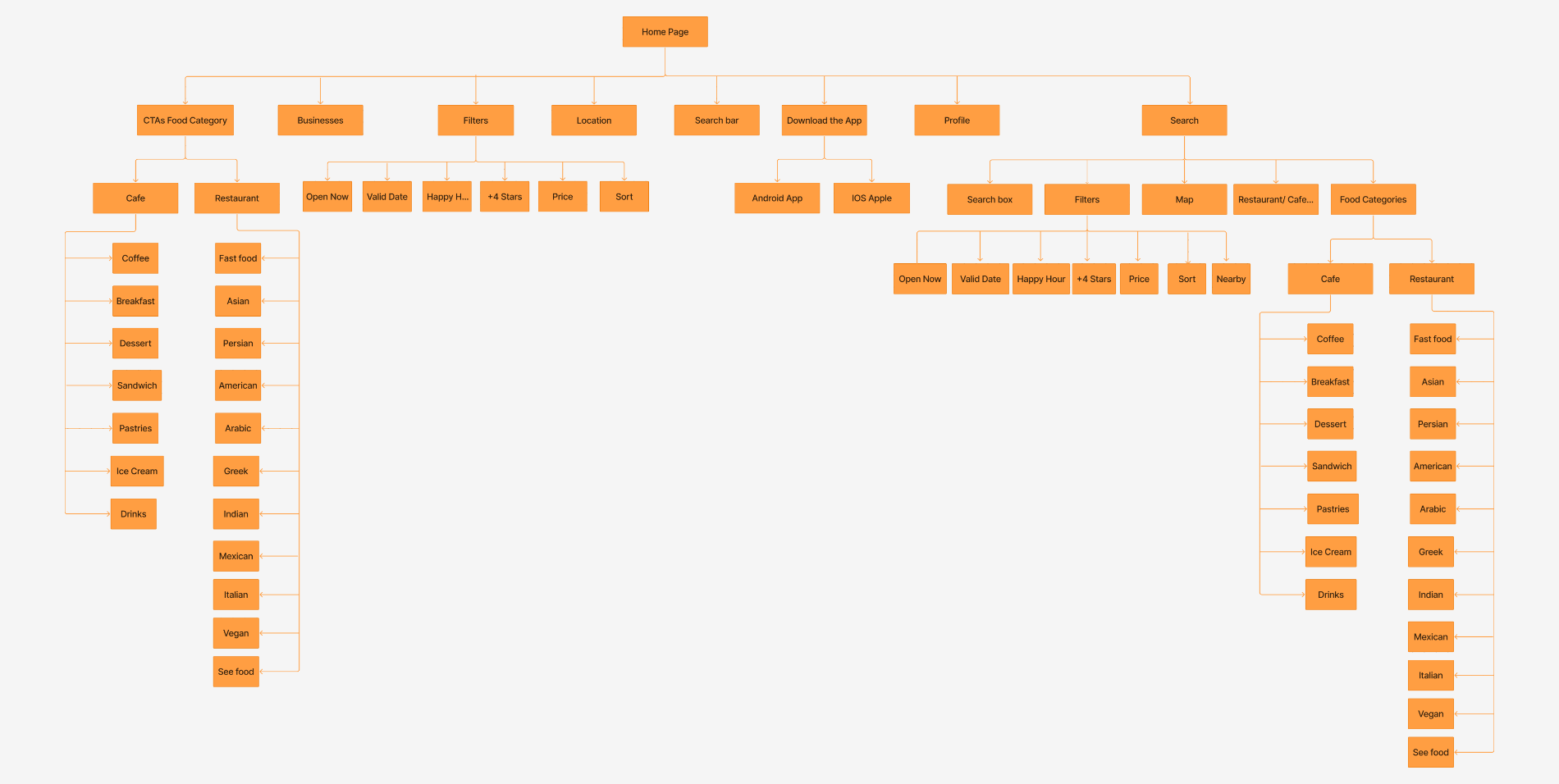
Site map
Design system
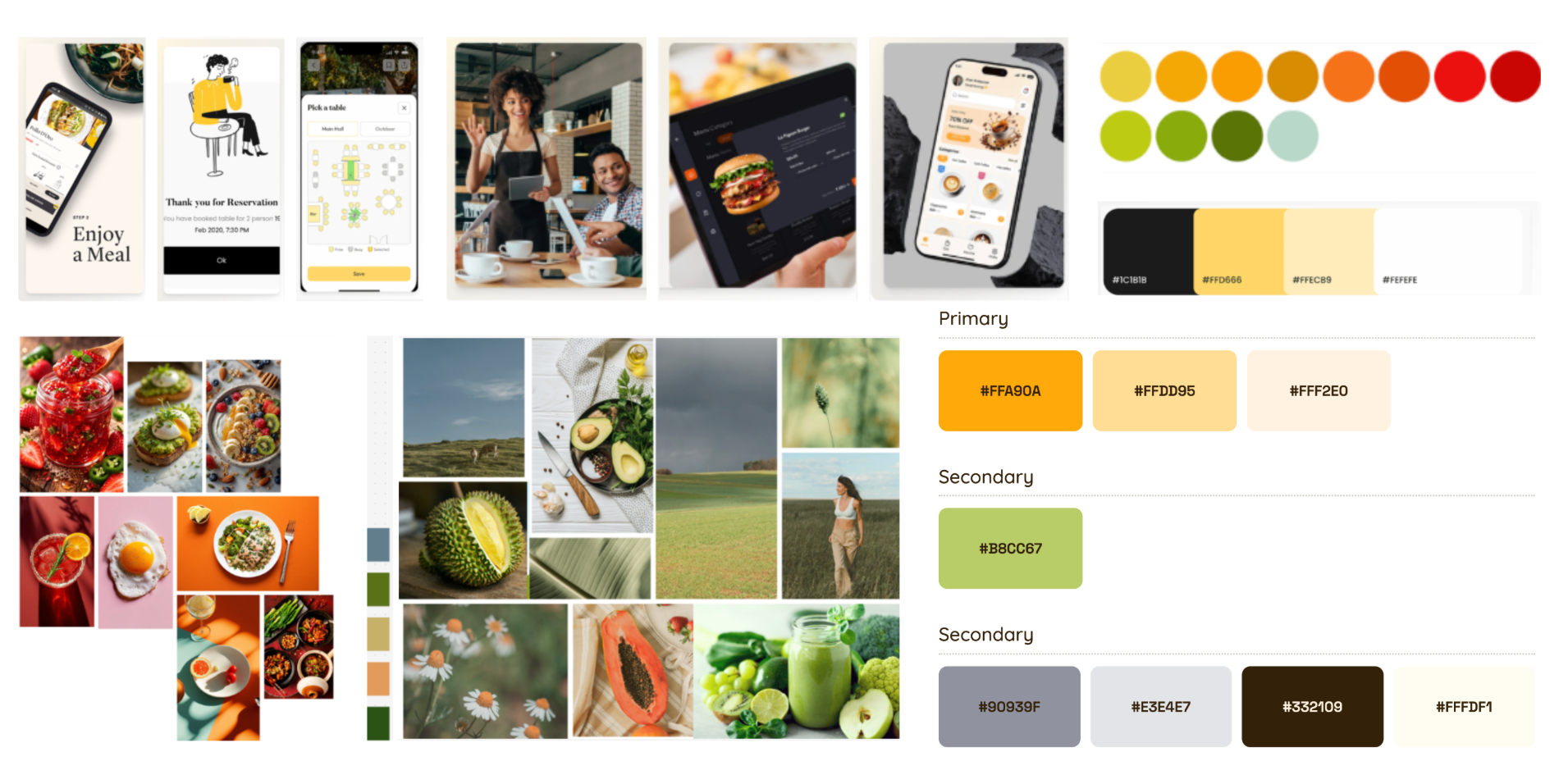
The moodboard established a warm and inviting visual direction for finding nearby restaurants with discounts, combining vibrant food and restaurant imagery, natural tones, soft neutrals, and friendly interfaces to create an experience that feels appealing, approachable, and easy to use.
Mood Board
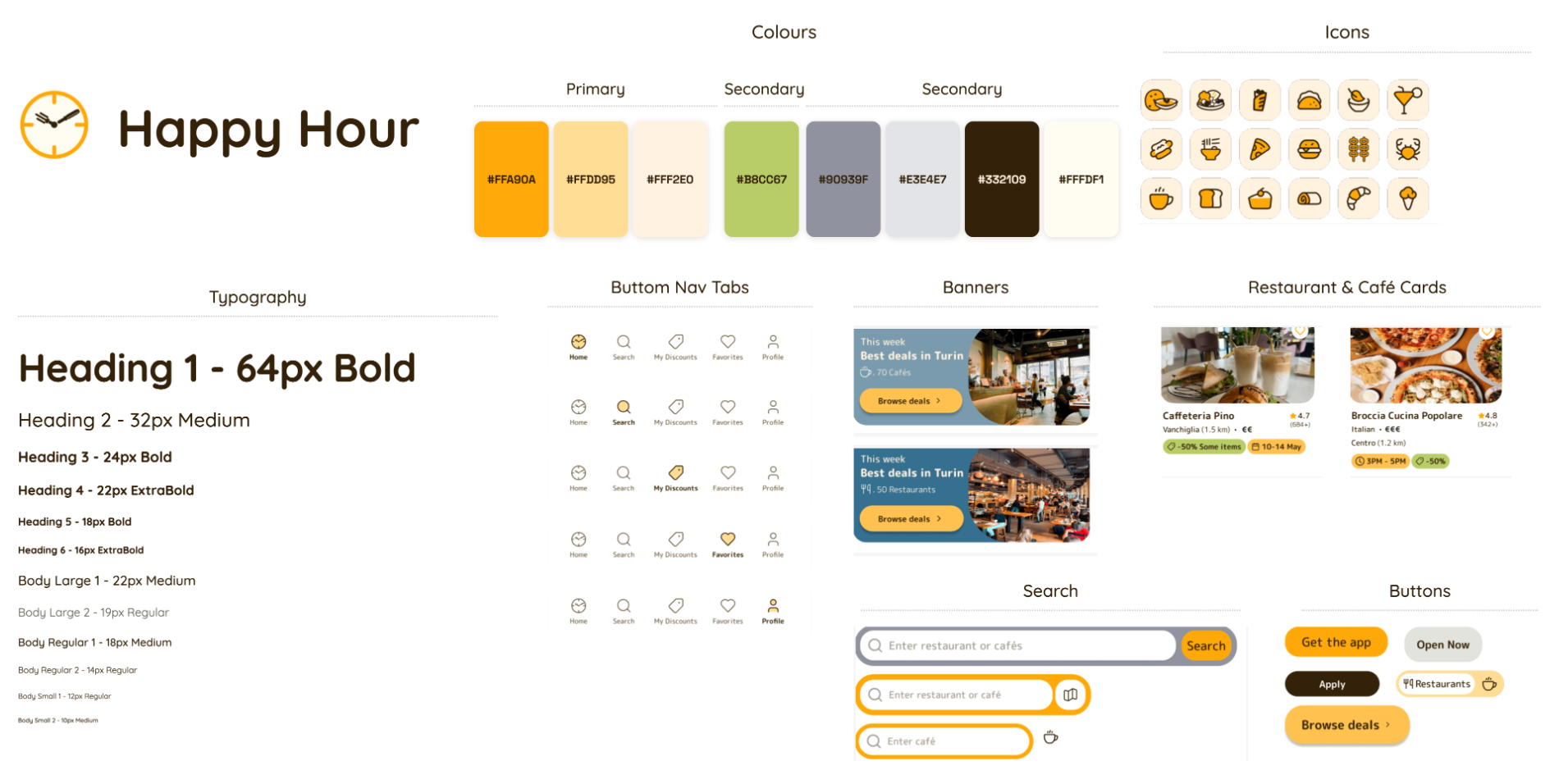
UI Kit
Develop
Reflection
What Did I Learn?
Research over intuition
Assumptions about what users find confusing are almost always wrong. Structured interviews changed the direction of the design in ways we could not have predicted.
Small decisions, big impact
Changing button sizes and repositioning a single section reduced error rates measurably. Micro-decisions are not micro in their effect.
Iteration is the work
The most valuable design artefacts were not the final screens — they were the changes made between rounds of testing.